I can’t decide where to start
Tell the AI what you want to learn and it builds your study lists. Or import lists other people have published and start right away.
Relis
Relis takes the busywork. Decide what to study. Sort out what to do today. Track how far you’ve come. AI and built-in routines handle the hassle around learning, whether it’s exams, certifications, languages, or hobbies. You decide what counts as learning.

Why Relis
More often than not, it’s the surrounding hassle, not motivation, that stops people.
Tell the AI what you want to learn and it builds your study lists. Or import lists other people have published and start right away.
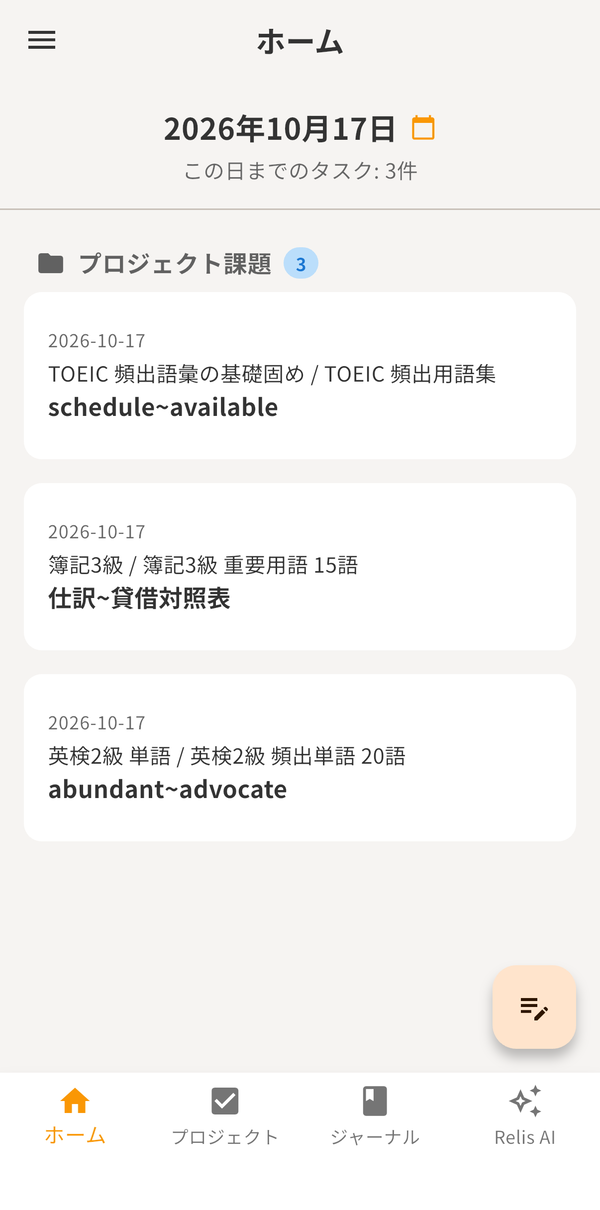
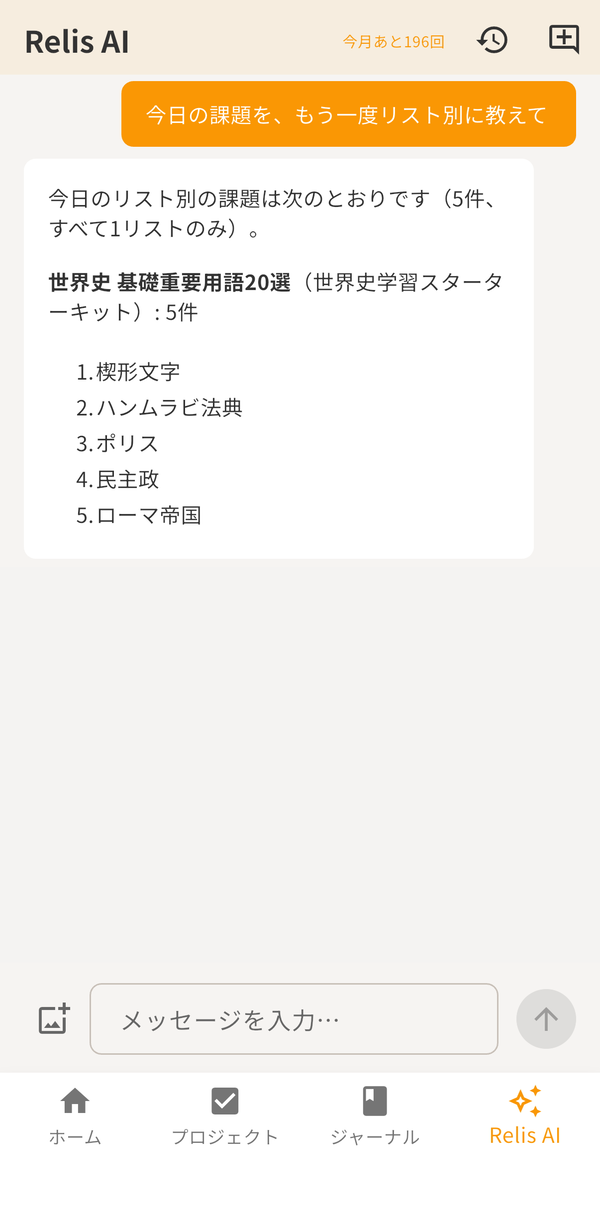
Just ask “What’s due today?” It sorts overdue and due items across all your lists.
Ask the AI to reschedule. You see the plan and confirm before anything changes.
What you’ve done and the time you’ve spent add up and show in your statistics.
Relis AI
The AI assistant inside the app looks at your own Relis data and handles the logistics.
Say “common TOEIC words” or “ancient world history” and it creates a project, lists, study items, and notes in one go.
It answers with overdue and due items grouped by list, so you don’t have to open each list to look.
Give it a start date and a period and it rebalances the daily load. You review the plan and confirm before it runs.
You can try it for free (with a monthly allowance), or use your own API key.
When you use Relis AI, what you enter and the data needed for the conversation are sent to an AI provider. By default, writes are confirmed before they run. See our Privacy Policy.
Library
Browse study lists and packs other users have published, like a library, and import them into your own project.
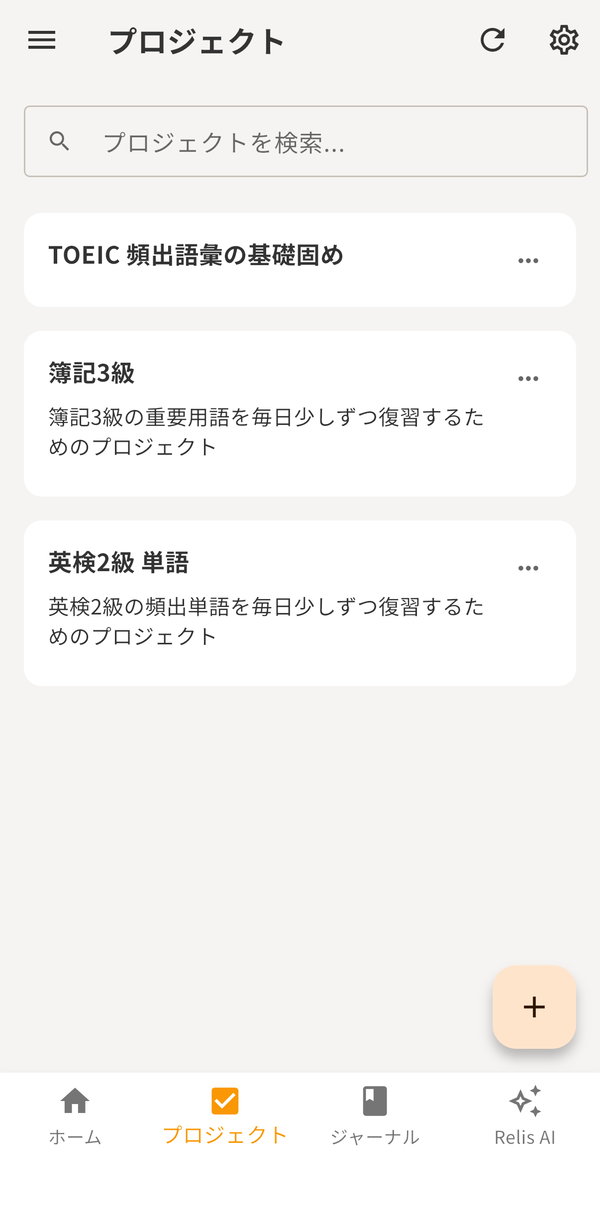
Search published lists and packs, check what’s inside, and import them into your project.
A pack bundles multiple lists and notes. Import it at once and move on to scheduling.
Publish the lists you create to share them. There’s a rights confirmation before publishing, and reporting and hiding tools.
Keep Going
As your records add up, the big picture of your learning comes into view.
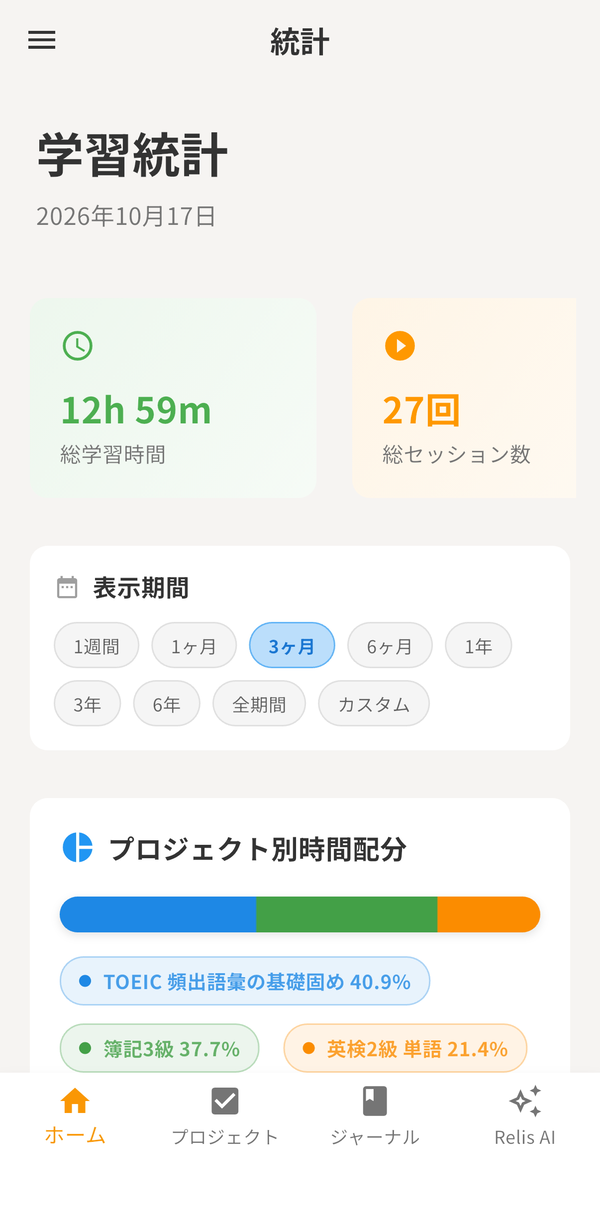
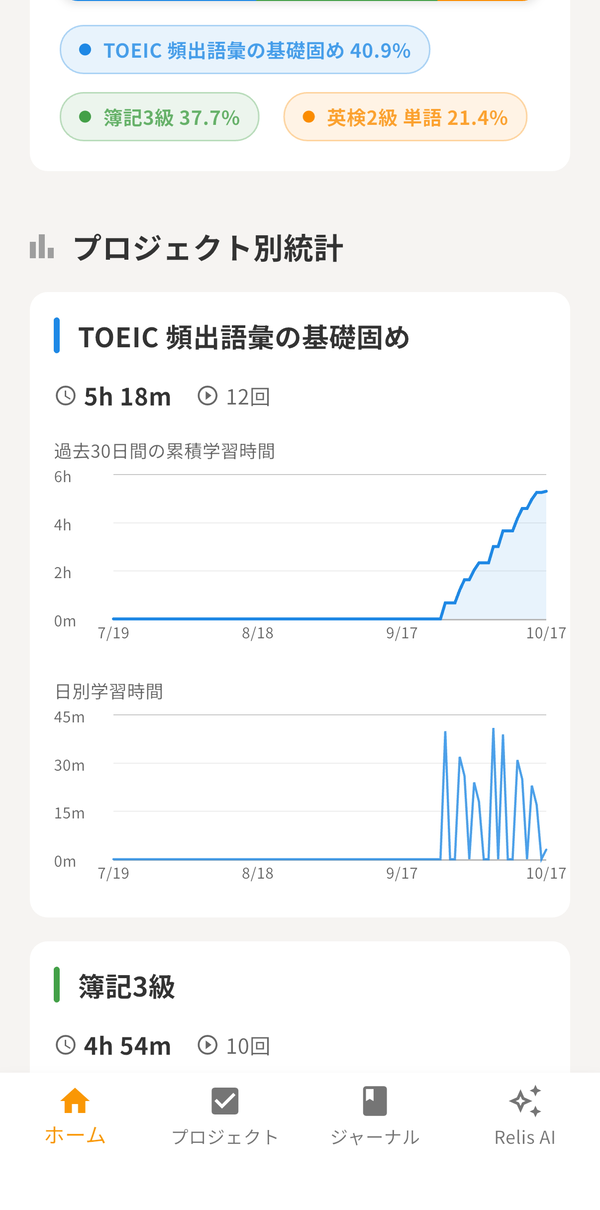
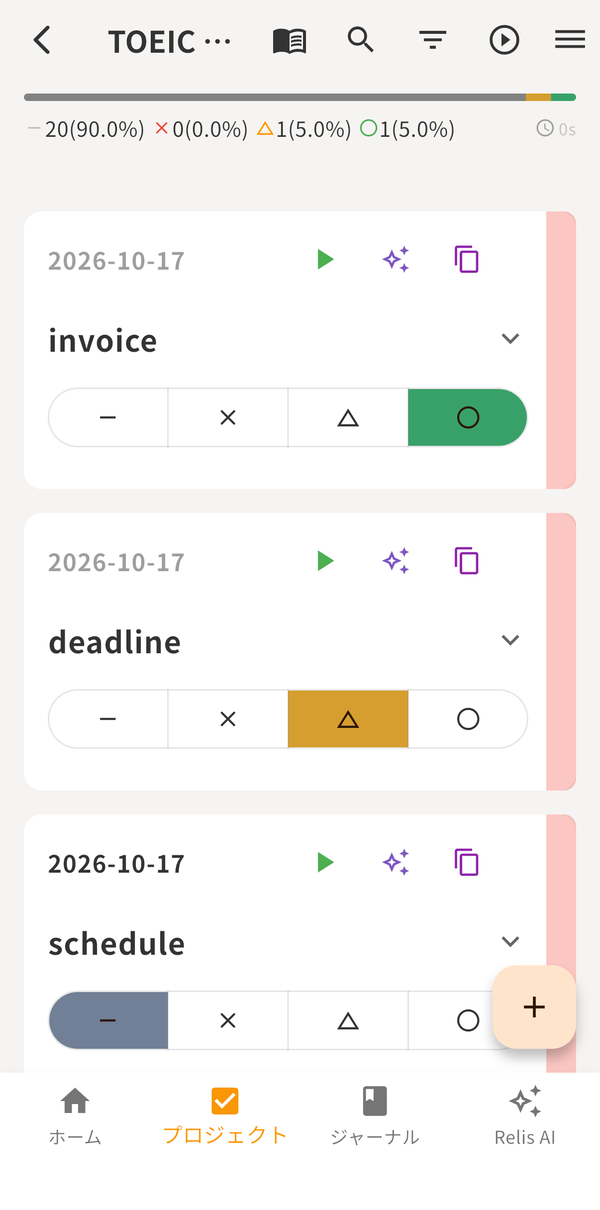
Record focused time for each task.
Keep daily reflections along with motivation and fatigue.
See how much you’ve done, your progress, and time spent in charts.
See today’s tasks and what’s coming up in one flow.
Organize notes and explanations for each project in Markdown.
Use the same account and data on iOS, Android, and the web.
For You
With ChatGPT / Claude
Connect your own Relis to ChatGPT, Claude, and other AI apps to check today’s tasks and add or complete items. You can review and disconnect connections in Relis Settings.
How to connectPricing
Start free, and move to Pro when you need more capacity or offline use. Check the store for prices.
| Free | Pro | |
|---|---|---|
| Learning records and sync across devices | ✓ | ✓ |
| Relis AI (in the app) | ✓ (monthly allowance) | ✓ (larger allowance) |
| AI with your own API key | ✓ | ✓ |
| Connect external AI apps (ChatGPT, Claude, etc.) | ✓ (within the free plan) | ✓ |
| Number of projects, lists, and items | Limited | Greatly expanded |
| Offline viewing and editing | — | ✓ |
| Importing public lists and packs via an external AI app | — | ✓ |
FAQ
Learning records, sync across devices, Relis AI (with a monthly allowance), and external AI connections are available on the free plan. The numbers of projects and lists are limited; Pro adds offline editing and greatly expands the limits.
It is stored in the cloud and synced across your devices. See the Privacy Policy for details.
When you use Relis AI, the text you enter and the data needed for the conversation (such as the projects, lists, and items the AI reads or edits) are sent to an AI provider. The providers and how data is handled are described in the Privacy Policy.
With Pro, you can view and edit offline, and it syncs automatically when you reconnect.
No. After you cancel, you can keep using Pro until the end of the paid period. After that you move to the free plan, where creating items beyond the free limits and using the app offline are not available. To cancel: on iOS, Settings > Apple ID > Subscriptions; on Android, Google Play > Subscriptions; on the web version, the subscription settings inside the app.
Your account and all of its data, including projects, lists, study time records, and AI conversations, are deleted and cannot be restored. Before deleting, you can save your data as a JSON file from "Export My Data" in Settings. You cannot delete the account while a subscription is active, so cancel it first (deleting the account does not stop a store subscription).
It is available on Google Play in Japan. Outside Japan, use the browser version.
For other questions, see Support.
Create an account and enter what you want to learn, and your first study list is ready.